
Short Answer
Yes, fake clicks on Google Ads are real. Some come from bots, some from click farms, and some from competitors or the odd bored person clicking your ad. Google filters most of them automatically and doesn't charge you for the ones it catches. The rest you can reduce with the right settings, and if you think Google missed something you can ask for an investigation and a credit.
The important thing is to check before you panic. A lot of what looks like click fraud is actually poor targeting, and that needs a different fix.
Fake Clicks vs Fake Leads
These get mixed up, but they're different problems:
If your problem is spam enquiries rather than wasted clicks, read our guide to stopping fake and spam leads in Google Ads. Most accounts with one problem have a bit of both.
Signs You're Getting Fake Clicks
None of these prove fraud on their own, but together they're worth a look:
Check What Google Has Already Caught
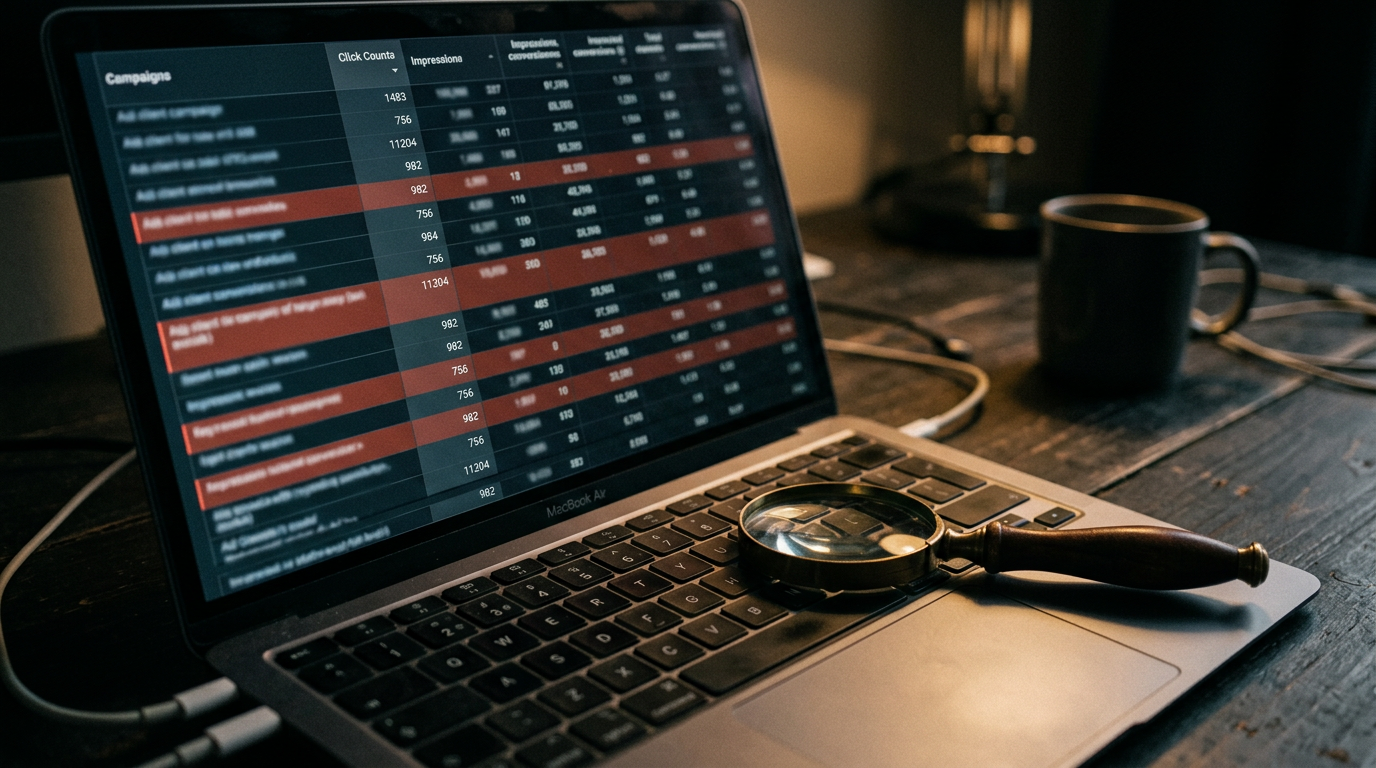
Google tracks invalid clicks for every account. You just have to switch the columns on.
Anything in those columns has already been filtered out, so you weren't charged for it. An invalid click rate of a few percent is normal. If one campaign is far higher than the rest, that's where to look first, and it usually points to a placement or network problem.
Google also issues credits when it finds invalid activity after you've been charged. These appear as invalid activity adjustments in Billing, so check there before assuming you've lost money.
How to Request a Refund for Fake Clicks
If you think Google has missed invalid clicks, you can ask for an investigation through the invalid click activity form in the Google Ads Help Centre. To give it the best chance:
If Google agrees, the credit appears in Billing as an adjustment. It won't refund clicks just because they didn't convert, so focus on evidence that the traffic wasn't genuine.
Settings That Stop Most Fake Clicks
Most wasted clicks come from a handful of settings. Fix these first:
Should You Use a Click Fraud Tool?
Third-party click fraud tools monitor your traffic and add suspicious IP addresses to your exclusion lists automatically. They can help in very competitive sectors like legal, locksmiths, emergency trades and finance, where competitor clicking is more common.
For most small businesses, the settings above solve the bulk of the problem for free. Fix those first, then decide whether a tool is worth the monthly cost based on how much invalid traffic is left.
Is It Fraud or Bad Targeting?
In the audits we run, poor targeting causes far more wasted spend than actual click fraud. Display placements switched on by accident, broad match with no negatives, and location settings that let in the wrong countries all look like "fake clicks" from the outside.
That's good news, because those problems are fixable in an afternoon.
Click quality is one of the first things we check for new Google Ads clients in Manchester and beyond. Our pricing page explains what ongoing protection and management costs.
Get a Second Pair of Eyes
If you're not sure whether you're dealing with fraud or a setup problem, our free PPC audit checks your invalid click data, network settings, placements and search terms, and shows you how much spend you could recover.