
What's Happening
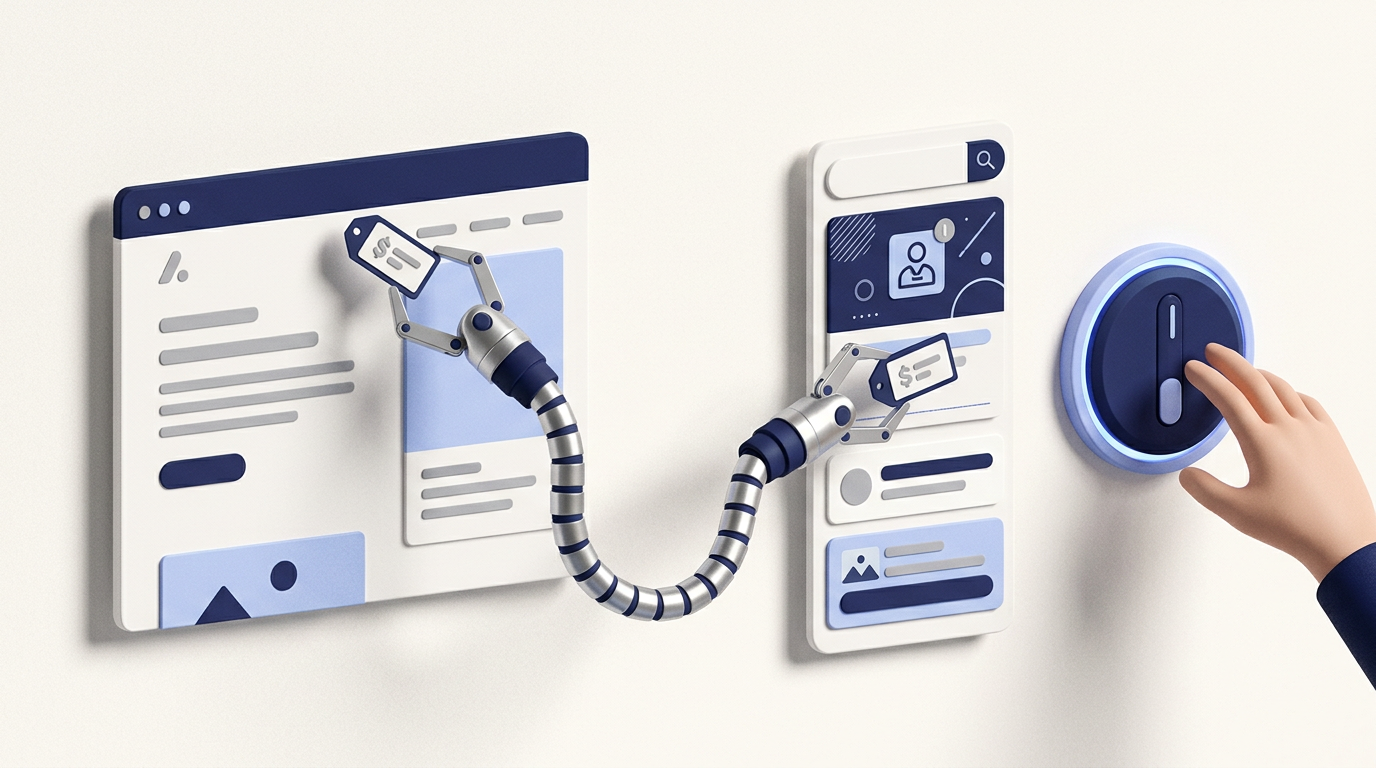
Google Ads has a feature called automated promotions. It uses AI to scan your website for deals, such as "10% off", "free survey" or "spring sale", and attaches them to your Search and Performance Max ads as promotion assets.
It's switched on by default for campaigns that have linked location assets and don't already have manual promotions. That covers a lot of local businesses.
Many advertisers only find out when a customer quotes an offer they don't remember running.
When It Helps
To be fair to Google, promotions often lift click-through rate. An ad that says "£200 off boiler installations this month" usually beats one that doesn't. If your website keeps offers accurate and up to date, automated promotions can save time.
When It Backfires
The problems we see most often:
Each of these leads to awkward conversations at best, and complaints or wasted sales calls at worst.
How to Check What's Running
If you find promotions you didn't create, check each one against what you are actually offering right now.
How to Turn It Off
You can still add your own promotion assets manually, which we recommend if you run genuine offers.
While You're There
Automated promotions are one of several automated assets. On the same page, you'll find settings for dynamic sitelinks, images, callouts and more. It's worth reviewing all of them, especially after the AI Max auto-upgrade, which added even more AI-generated content to many accounts.
Our general approach:
The Bottom Line
Automated promotions are a good example of Google switching something on first and letting advertisers find it later. It takes two minutes to check, and could save you from an offer you never meant to make.
For a full check of what Google has added to your account automatically, see our autumn 2026 Google Ads checklist or request a free audit.